Free and Pro
During the beta, every account has Pro for free. After it, Free covers 3 active projects, and Pro adds money budgets, profitability and Project Reports.
What Free includes
Free is for tracking time, and it never ends. The drag calendar, the timer, phases, tasks and hours budgets on any phase cost nothing. They keep working after a trial ends.
- Up to 3 active projects. You can archive as many projects as you like, and an archived project does not count towards the 3.
- Up to 2 phases on a phased project. A simple project has one hidden phase, and it does not count.
- Hours budgets on any phase, with the remaining hours shown on Projects.
- Quick task suggestions from the one shared Default list.
- Time Reports for a client, from the Time page. They show a small "Made with Phased" credit instead of your letterhead.
- A CSV export of any date range, also from the Time page.
- A full JSON backup of your data, from Settings.
You can only go over these limits when Pro ends. While you are on Free, Phased does not let you make a fourth project active or add a third phase to a project.
What Pro adds
Pro includes everything in Free and adds the money side of the work.
- Unlimited active projects and phases.
- Task groups you organise yourself, chosen per project and per phase.
- Money budgets: on a budgeted phase, the budget is the price.
- Custom rates for a project or a single phase.
- Budget health labels on every phase, and warnings when a phase goes over budget.
- Effective rate and the Profitability dashboard.
- Marking phases Reported and Paid, so you can see what the client still owes.
- Phase Reports and Project Reports, which show the client the agreed work and the amounts.
- Your letterhead on reports instead of the Phased credit.
- The internal Time Report, which is for you only. It includes private notes and extra statistics.
- Project templates. A new project made from a template starts already set up.
Trial, upgrading and cancelling
Phased is free while it is in beta. We are collecting feedback from early users before paid plans start. Until then, every account has every Pro feature for free, and the sidebar shows a Beta badge. There is no checkout during the beta.
We will tell you at least 30 days before the beta ends. On that date, every account starts a 30-day Pro trial, and you do not need a card. Phased emails you 5 days before the trial ends, and once more after it ends, so nothing changes without warning. Nothing is deleted, and a full export stays free on every plan.
The rest of this section explains how plans work after the beta ends.
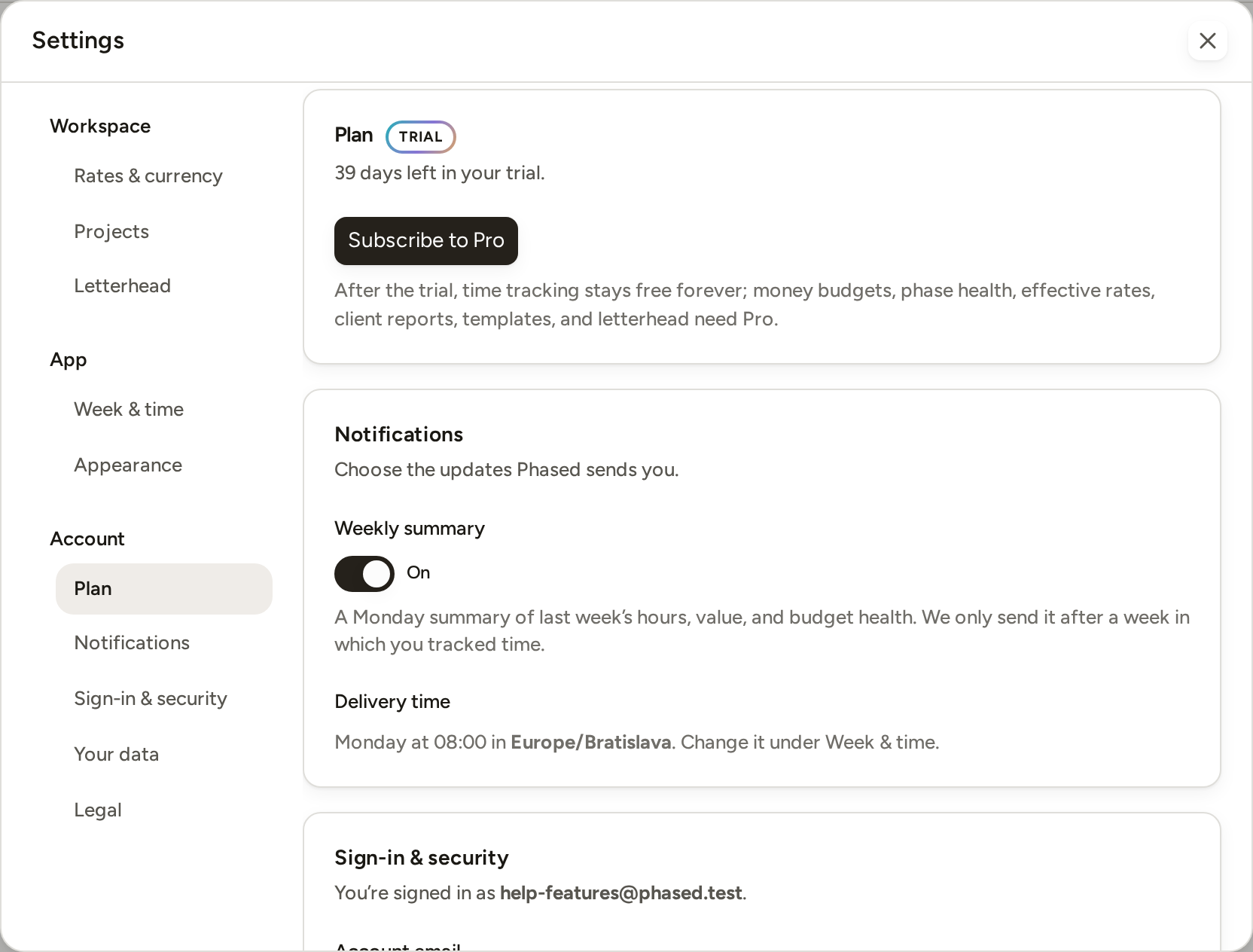
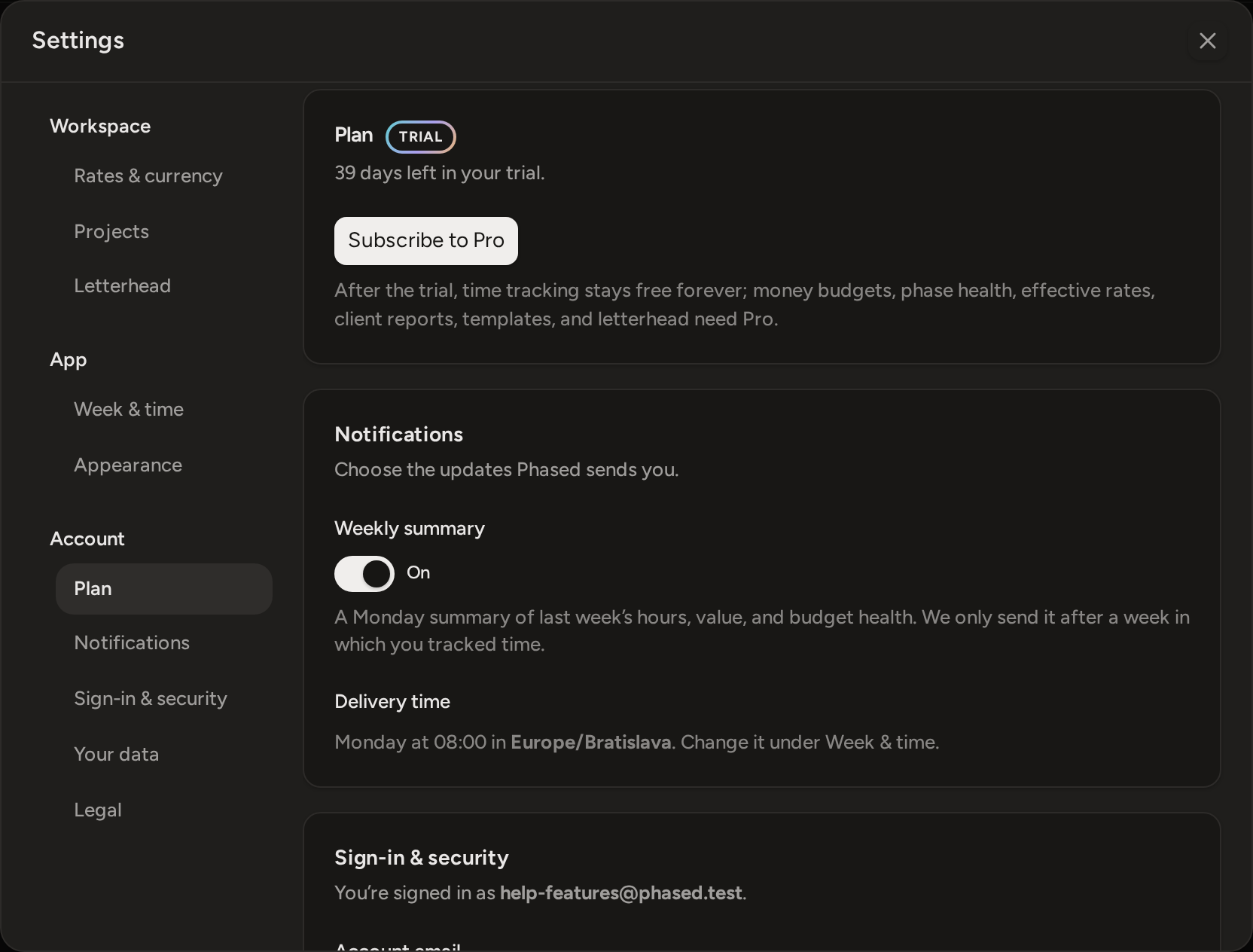
Pro is a single plan, billed monthly or yearly. The prices are on the pricing page.
- Press Upgrade to Pro in the sidebar, or open Settings › Plan and
press the same button there.
On a trial the button reads Subscribe to Pro instead.
- Choose Monthly or Yearly.
- Tick the box to accept the terms, then press the button that shows
the price.
A checkout page run by Creem opens. Creem sells Pro for Phased and handles the payment, the billing documents and the receipt.
If you subscribe during your trial, you pay immediately. The trial days you have left are not added to your subscription, and the trial does not restart.
To manage or end a subscription, open Settings › Plan and press Manage billing, This opens Creem's billing page. If you cancel, you keep Pro until the end of the period you paid for. After that, the account returns to Free.
When an account moves from Pro to Free, Phased never deletes its data. Custom rates and money budgets you already set stay in place, but you need Pro to change them. Budget health and the Profitability page are locked. Reports you already created stay in Reports. They now print with the Phased credit instead of your letterhead. The Free limits above apply to active projects and to new phases.