Workspace defaults
Set the default client rate, display currency and starting setup for new projects. A custom phase rate beats a custom project rate, which beats the default.
Set your default rate
Phased uses your default client rate to value your time when a project or phase has no rate of its own. If rates are set in more than one place, Phased uses the most specific one: the phase rate first, then the project rate, then this workspace default.
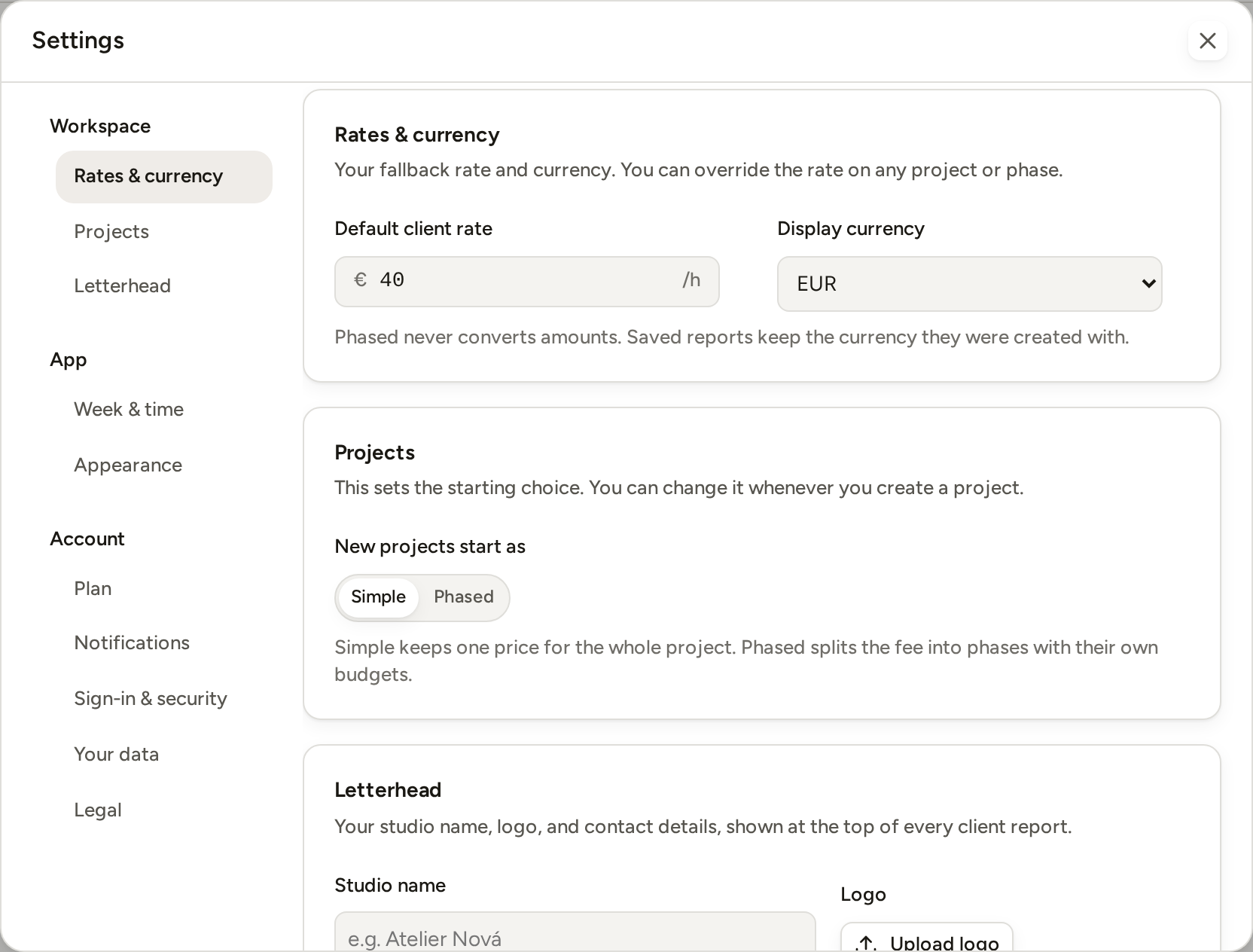
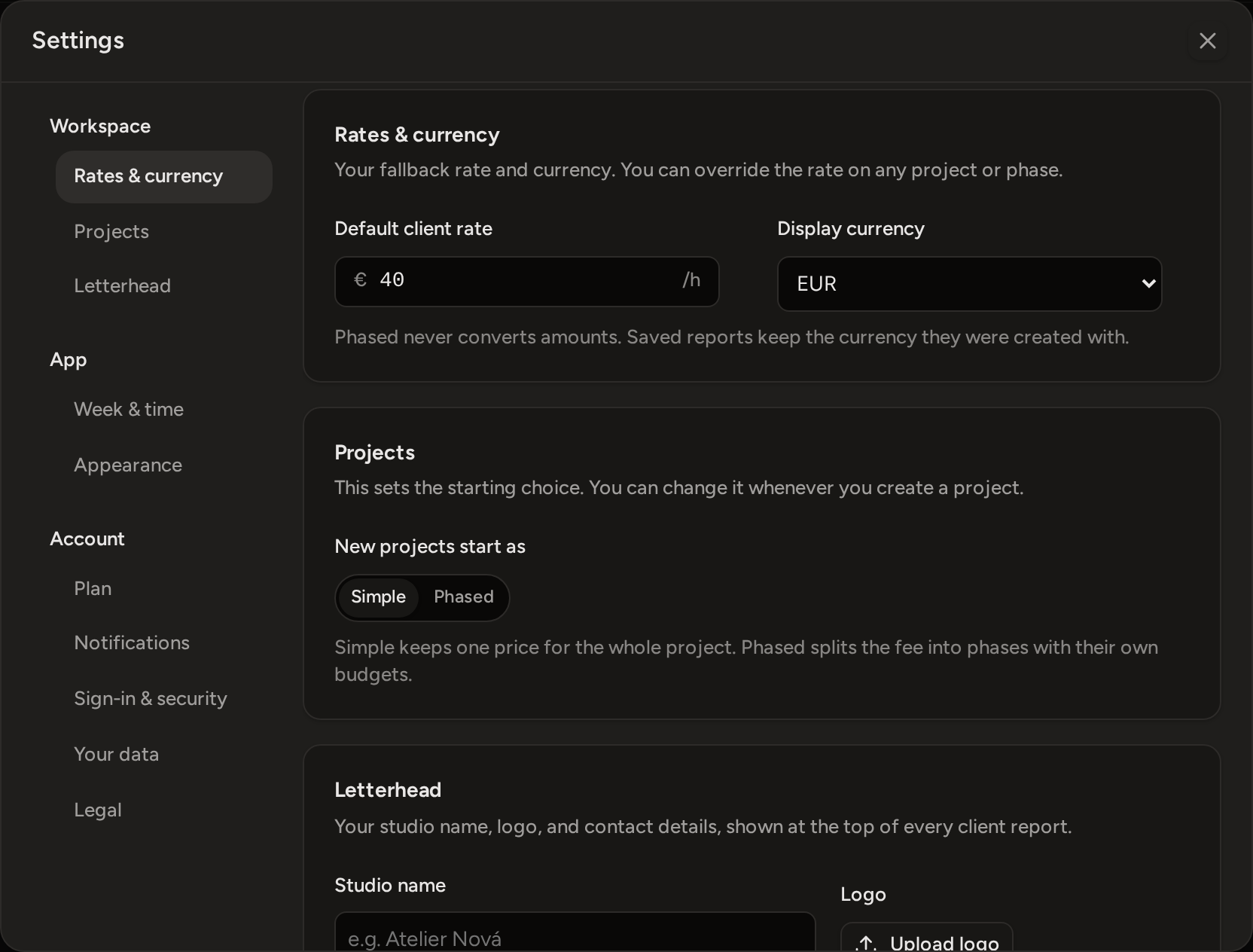
- Open Settings and choose Rates & currency.
- Enter a positive amount in Default client rate.
Move away from the field, or press Enter, to save it.
Choose the display currency
Display currency sets the currency symbol and code used across the workspace. Phased does not convert existing amounts when you change it.
A project budget of 1,500 stays 1,500. If you change EUR to USD, only the currency shown next to the amount changes. Phased does not use an exchange rate. Saved reports keep the currency they were created with.
Choose how new projects start
Under Projects, use New projects start as to choose whether the New project form opens on Simple or Phased. This only sets the starting choice. You can still choose the other setup while you create a project.
- Simple starts with one billing setup and one optional budget for the whole project.
- Phased starts with separate phases. Each phase can have its own budget and rate.
An existing simple project can be split into phases later. An existing phased project cannot be changed back to simple.