Export, restore and deletion
Download a complete JSON backup, restore it into an empty account, or permanently delete the account. A Time CSV is a separate export for one date range.
Export the whole account
In Settings › Your data you can download a complete JSON backup of your workspace. It contains your clients, projects, phases, tasks, entries, reports, templates and settings.
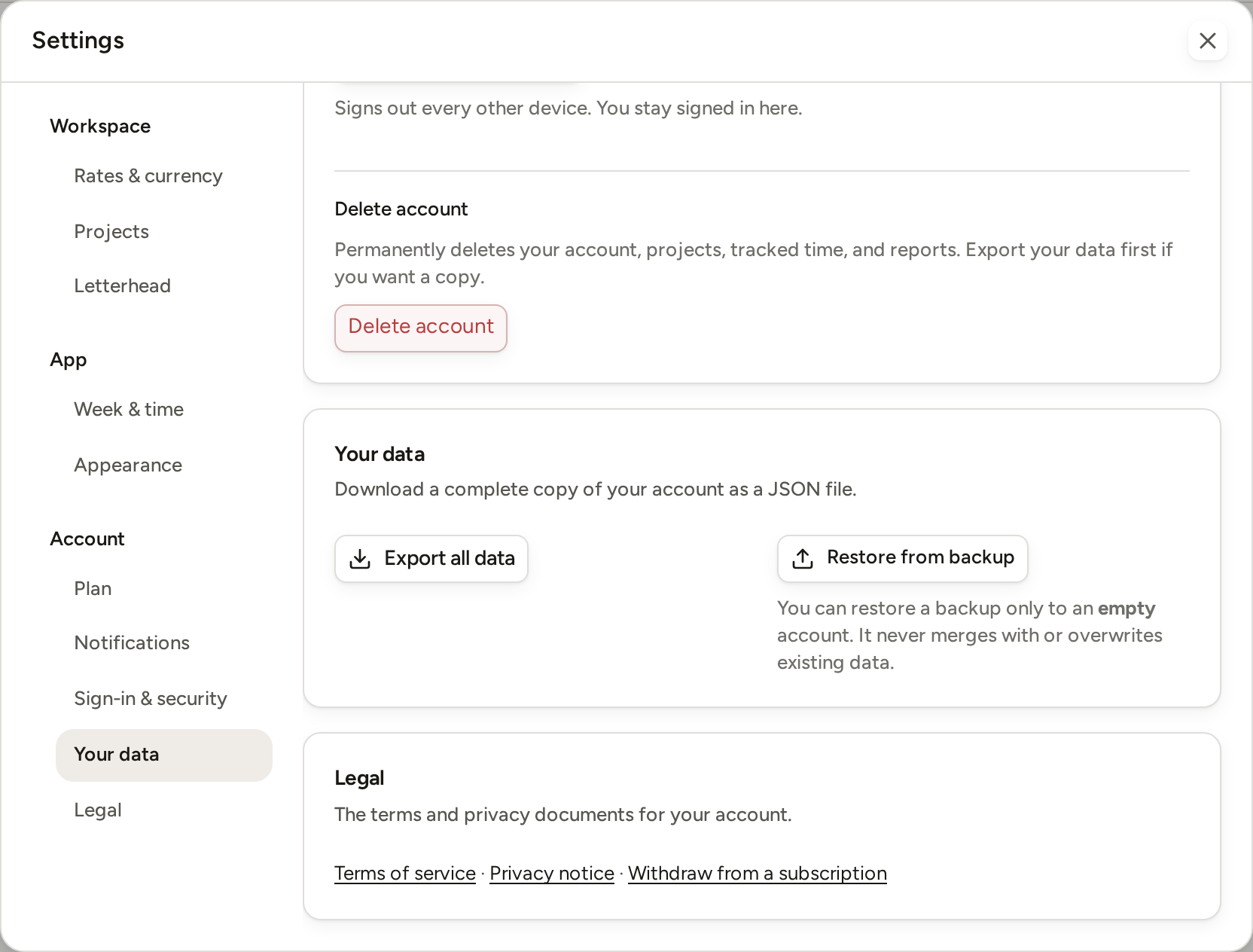
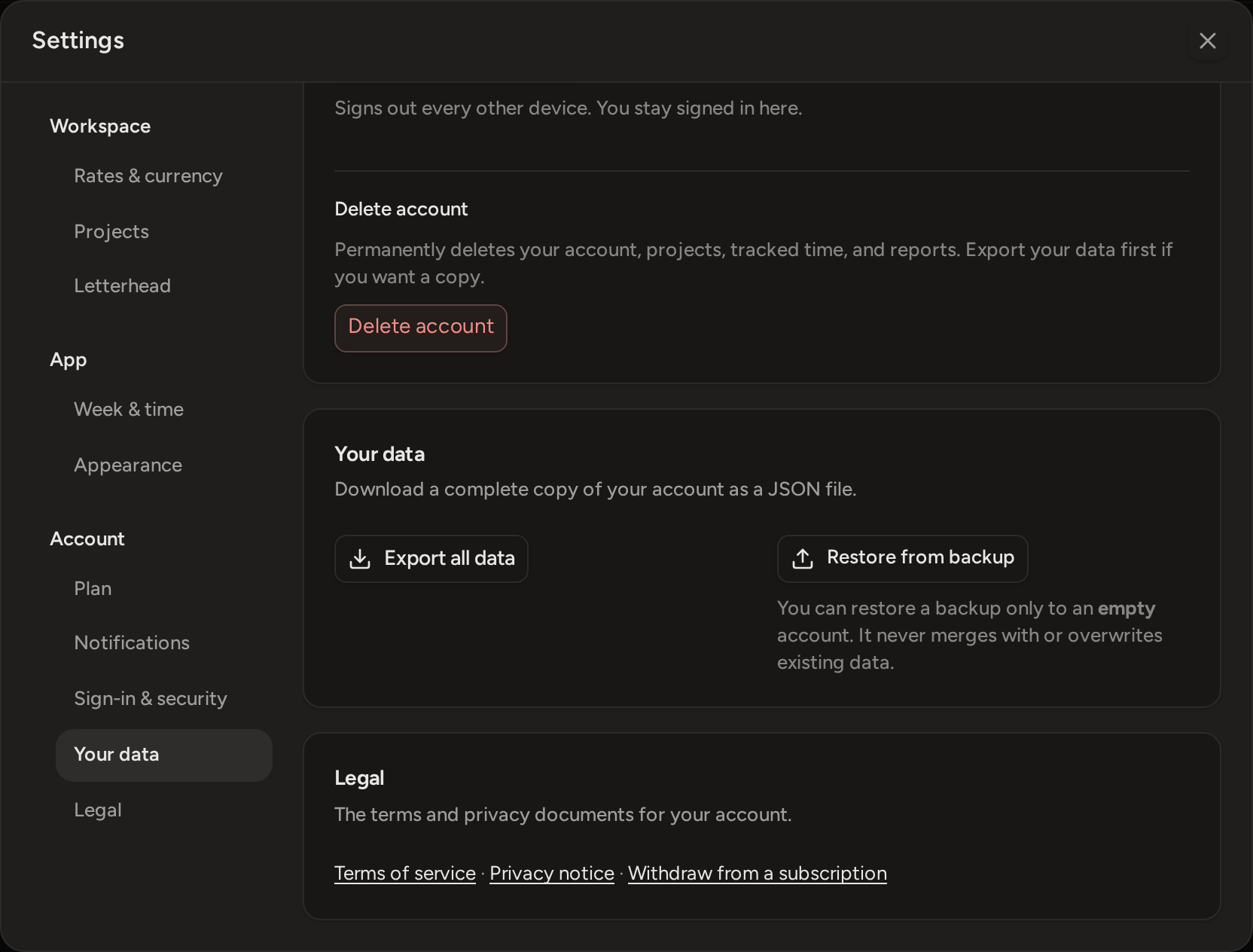
- Open Settings and choose Your data.
- Press Export all data.
- Keep the downloaded phased-studio-export.json file somewhere safe.
Restore a backup
You can restore a backup only into an empty account. Phased never mixes a backup with existing work, and it never overwrites a workspace that already has data.
- Sign in to the empty account and open Settings › Your data.
When you set up a new account, Phased offers to create a first project. Press Skip for now there. If you create the project, the account is no longer empty.
- Press Restore from backup and choose the JSON file produced by Phased.
- Wait for the app to reload with the restored workspace.
Delete your account
Deleting your account permanently removes the account and its workspace. You cannot get them back, so export your data first if you want to keep a copy.
- Open Settings › Sign-in & security.
- Press Delete account at the bottom of the section.
- Press Email me a code. We send a 6-digit code to your account's email address. The code is valid for 10 minutes.
- Type the code and press Permanently delete my account.
After deletion, Phased signs you out and opens the sign-up page. The account is also signed out on your other devices and browsers.