Budget health
Budget health compares original-scope time with the safe time in a budget: On track below 80%, Approaching from 80% through 100%, Over budget above 100%.
What each health label means
Budget health compares two things: the time you tracked on the agreed work, and the budget's safe time. The agreed work is all the time that is not marked Out of scope. Safe time is the number of hours the budget covers. For an hours budget, that is the hours you entered. For a money budget, it is the budget divided by your rate. Phased works out the label again from your current entries, budget and rate every time you open the page.
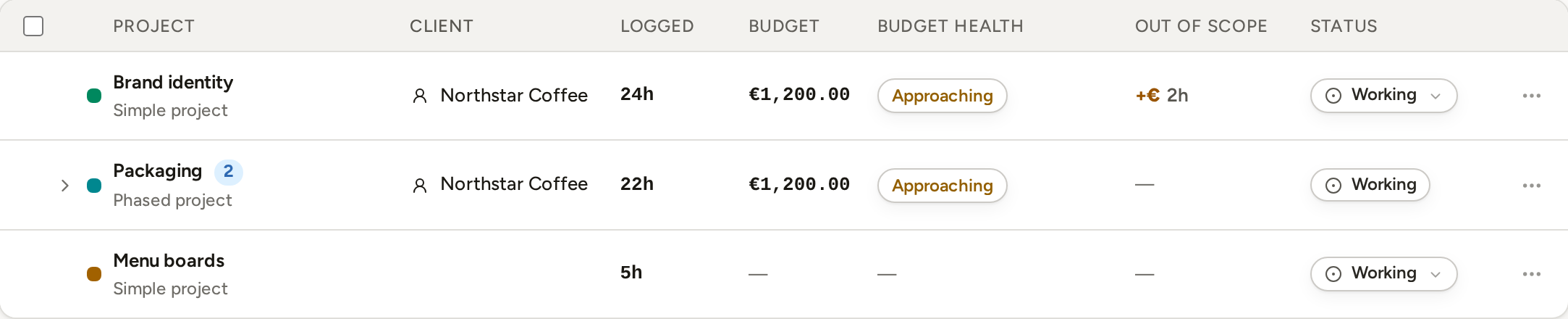
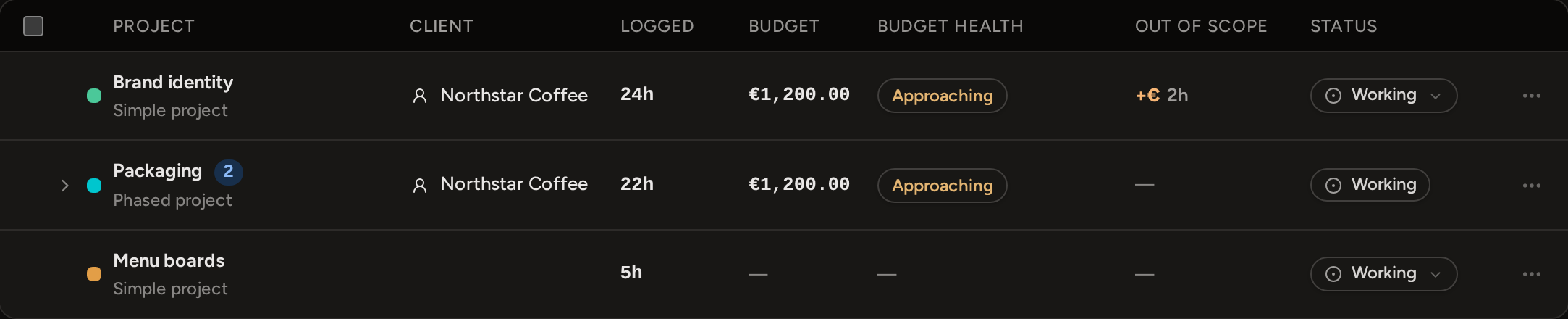
- On track: less than 80% of the safe time is used.
- Approaching: 80% through 100% of the safe time is used, including exactly 80% and exactly 100%.
- Over budget: more than 100% of the safe time is used.
- No budget: there is no budget to compare with.
A budgeted phase with no time on the agreed work yet shows On track. For a phased project, the Projects page adds the phase budgets together and shows one label for the total. Profitability shows the label of the phase that needs the most attention.
Where to read budget health
Budget health is part of Pro. On Free, the Projects page shows what is left of each budget instead, and Profitability is locked.
On Pro, each Projects row shows a small health chip that links to Profitability. The Budget performance section there shows the percentage used, the money and safe time left, and the effective rate for each budgeted project. A phased project lists its phases underneath.
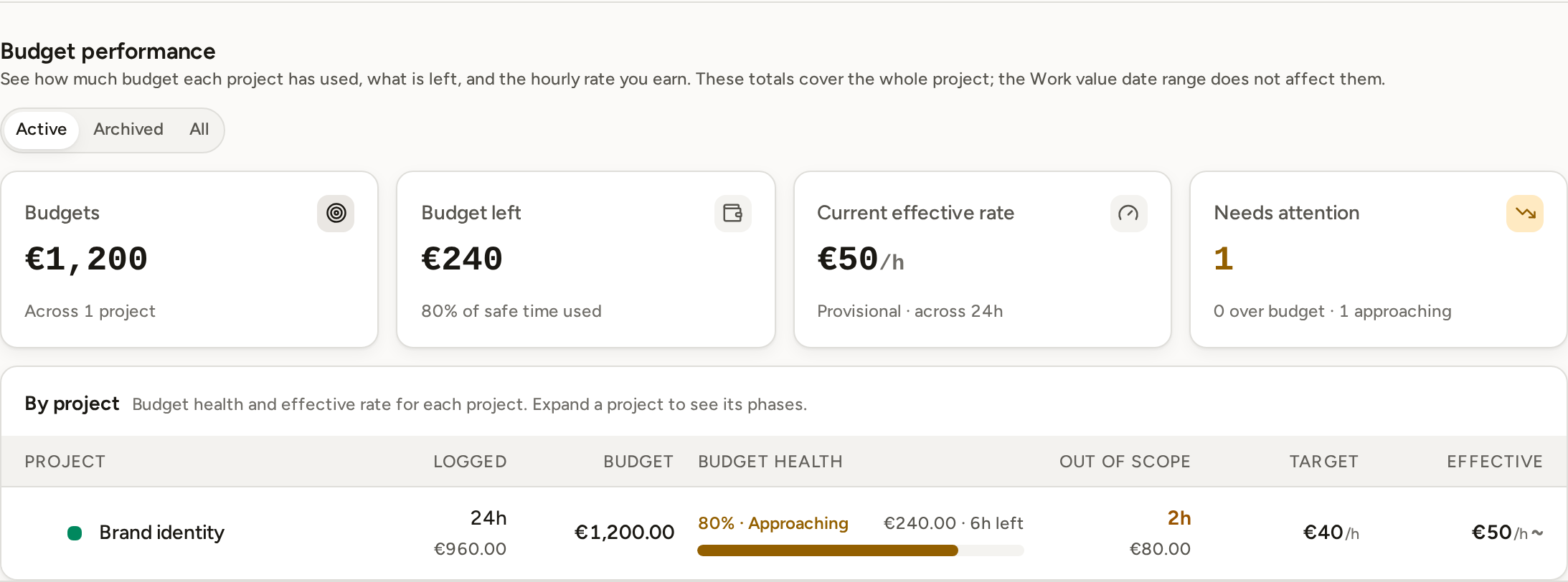
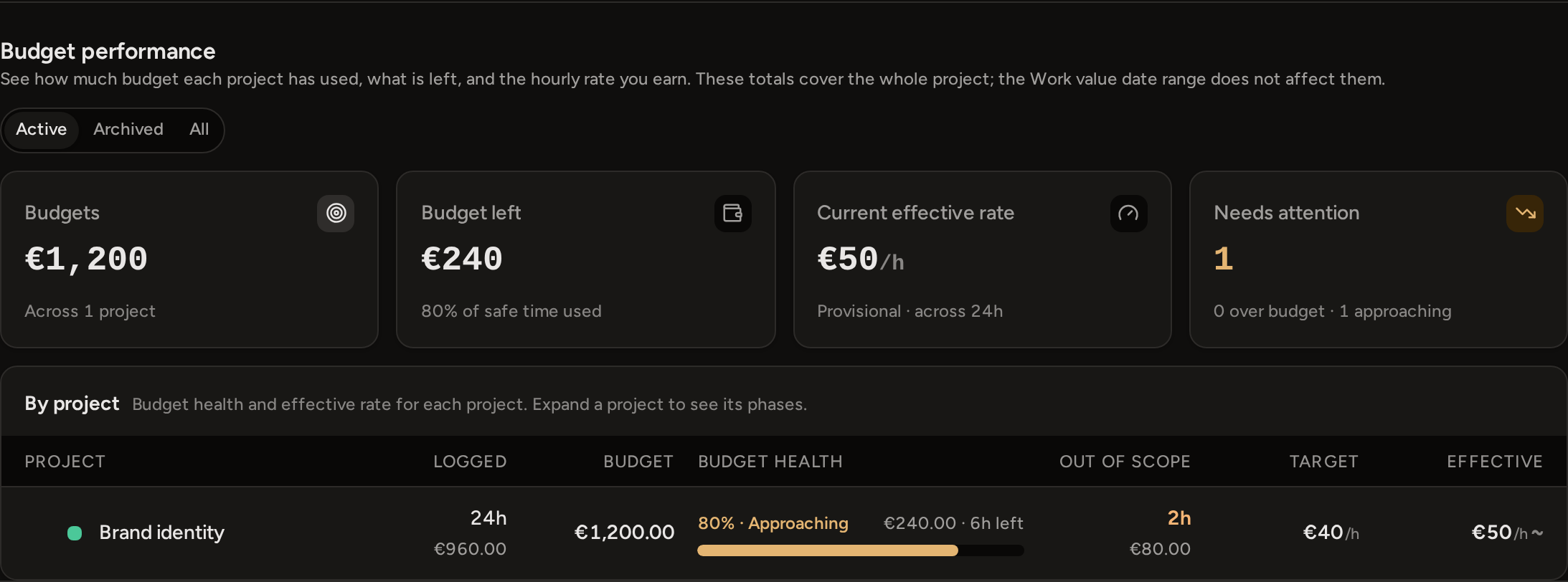
These figures include all the time ever tracked against the budget. Changing the date range in Work value does not change them. Use the Active, Archived and All control to choose which projects are included.
What changes the result
When you log or edit time on the agreed work, the percentage used changes. When you edit a budget, the safe time and the agreed price change straight away. When you change the rate, the safe time of a money budget changes. For an hours budget, the price changes instead. Reports you already created do not change: they keep their saved work, budgets and amounts.
When work reaches or passes the budget, Phased does not stop the timer or block new entries. It does not raise the agreed price, and it does not change any entry to Out of scope. Instead, the effective rate falls, because more hours on the agreed work share the same price.