Choosing a report
A Phase or Project Report for agreed work and amounts, a Time Report for entries in a date range. Client Time Reports are Free, the rest are Pro.
Choose a report for what you need to send
First decide who will read the report and which work it should cover. Phased lets you create three reports:
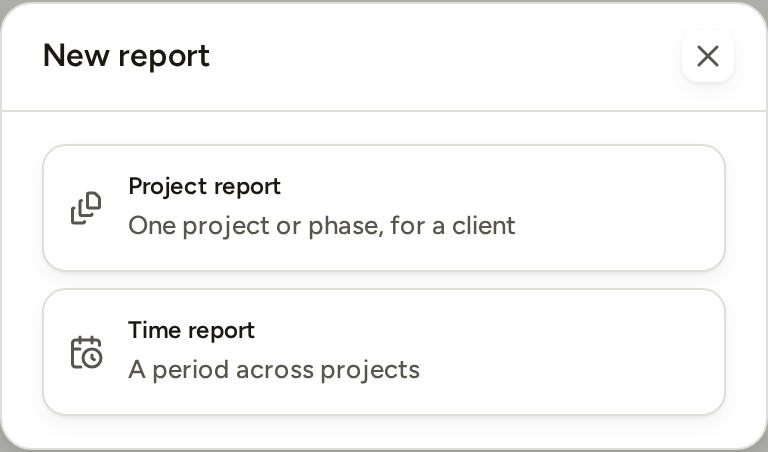
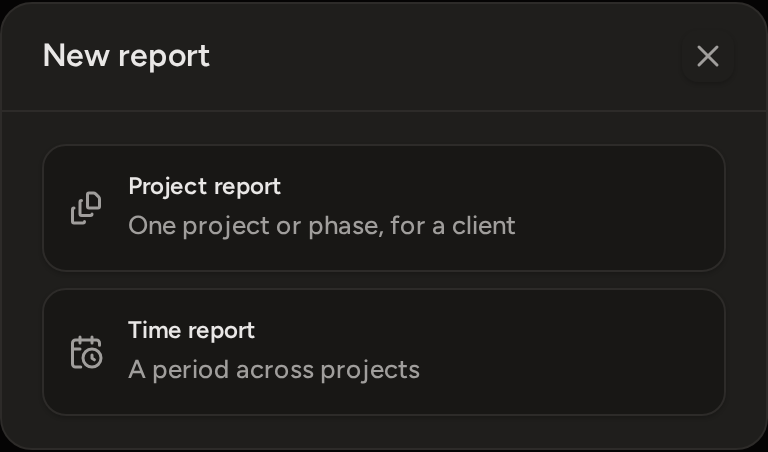
- Phase Report: one phase for a client, with its agreed work and optional Additional Work.
- Project Report: a whole project, or several chosen phases from it, for a client.
- Time Report: tracked entries for a date range, across one or more projects. Write it for a client or for yourself.
Phase Report or Project Report
Choose Project report under Reports › New report. Select the project. Then choose the whole project or only some of its phases. If you select one phase, Phased creates a Phase Report. If you select the whole project or several phases, it creates a Project Report.
Then choose how much detail the client sees:
- Itemised lists each client-visible task and its hours.
- By phase gives a short overview of each phase. It is offered on a Project Report with two or more phases.
- Summary gives a short statement without task detail.
These reports never show your effective rate, profitability, budget health or private notes. If you include Additional Work, it is shown separately from Original Work.
Client or internal Time Report
A Time Report covers a date range rather than one project. Create it from Reports › New report › Time report, or from the Time page. Use Written for to choose who will read it:
- Client shows the totals and the work done. Entry notes are not shown.
- Internal also shows averages, Additional Work, time without a price, and entry notes.
A client Time Report can cover several projects for the same client. It cannot include work for two different clients. If your selection does, Phased asks you to choose less work.
You can change who a Time Report is written for later, through Edit. Changing it to Internal needs Pro. You cannot change an Internal report to Client if its saved rows include work for more than one client.
Why Create report may be unavailable
Create report stays greyed out until all of these are true:
- You have chosen a project that is not internal. For a phased project, you have also chosen at least one phase.
- The selected work has some tracked time.
- If you include Additional Work, it has a valid price: the rate that applies, a custom rate or a fixed fee.
Even after you press it, Phased may refuse to create the report. It then tells you why:
- A timer is still running on the selected work. Stop it first.
- A selected phase has no rate and no money budget, so its agreed work has no price.
Creating a report saves it in Reports. It does not send anything to the client. Open the saved report to check it, then use Download or Export PDF to create the file you send.