Report branding and formats
Set the logo and contact details your reports print. Amounts and currency are fixed at creation. Studio details and number formats follow your settings.
Set your report letterhead
Set your studio details once in Settings › Letterhead. Each time a report is opened or downloaded, Phased uses the details saved there at that moment.
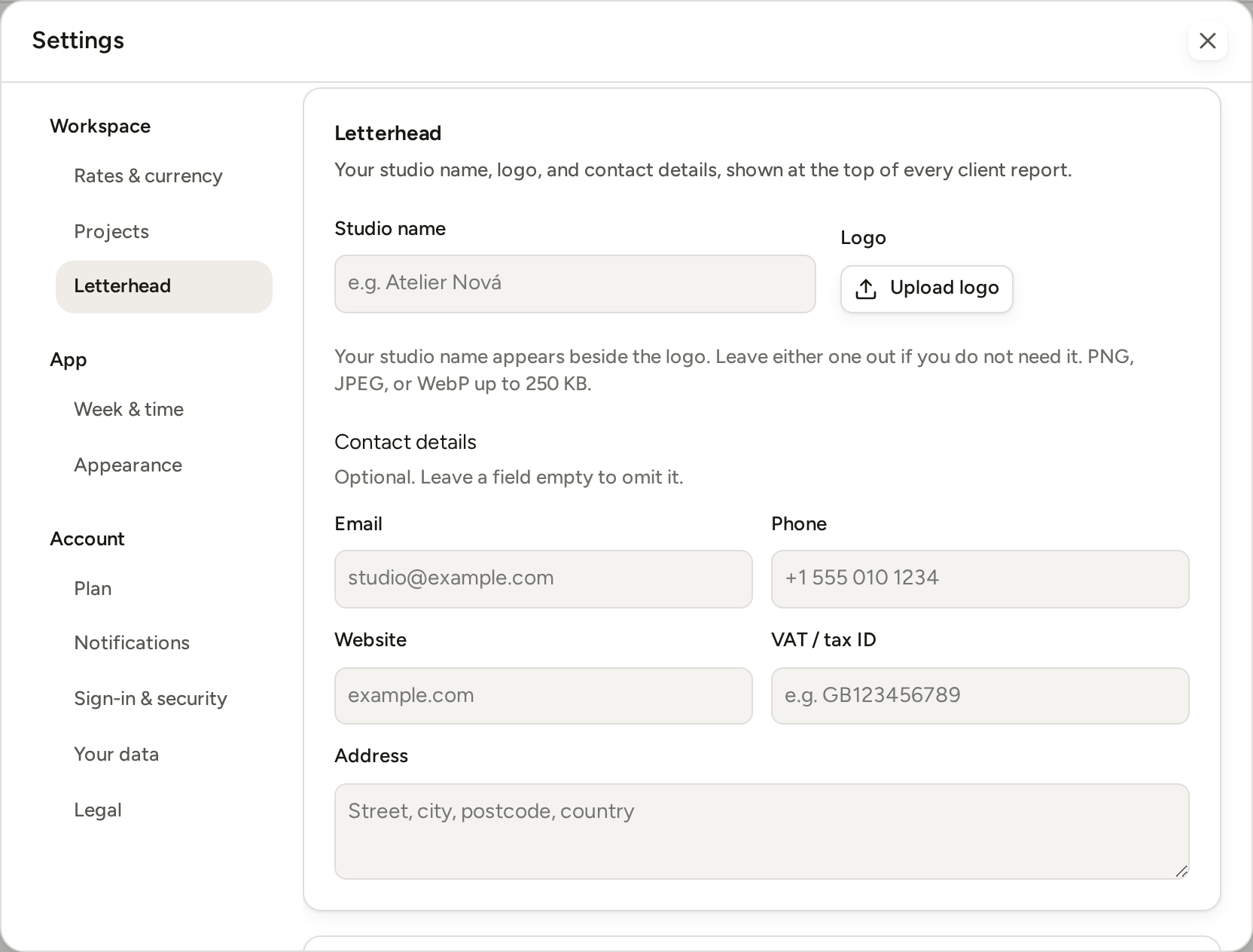
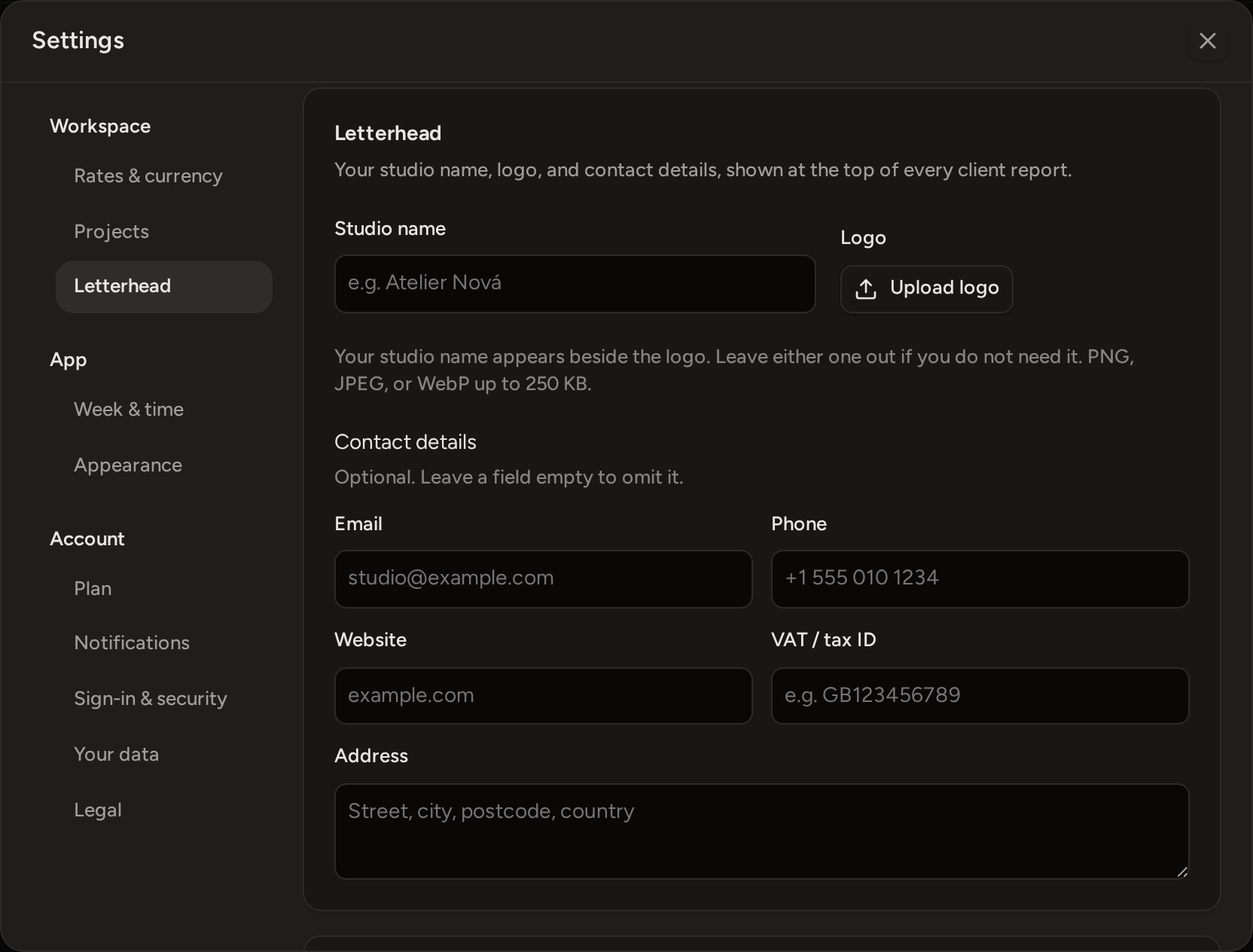
- Add a Studio name. Beside it, upload a Logo (PNG, JPEG or WebP, up to 250 KB).
You can leave out either one. The logo appears at the top right of a report. Your studio name appears with your contact details and in the page footer.
- Fill in as many Contact details as you want: Email, Phone, Website, VAT / tax ID, and Address. A field you leave empty does not appear on the report.
A Phase or Project Report has two separate choices under Appearance. Include your logo shows or hides the logo at the top. Include contact details shows or hides the contact box. The box holds your current From details and the client's Prepared for details. The client's details are the ones saved when the report was created. A Time Report offers only the logo choice. You can set these choices when you create the report, or change them later through Edit.
Choose currency, number and date formats
Your workspace has one currency, set in Settings › Rates & currency › Display currency. Phased never converts amounts. A report keeps the currency it was created with, even if you change the setting later.
You set the number and date formats in Settings › Week & time:
- Number format decides which marks separate the thousands and the decimals in money amounts. It applies everywhere in Phased, both on screen and in a PDF.
- Date format decides how dates are written on a report, including its "Issued" date. The calendar always uses its own shorter date labels.
Number format also decides how Phased reads money that you type. With 1.111,11, typing 1.500 means one thousand five hundred. With 1,111.11, Phased refuses the same input instead of guessing what you meant.
What can change on an older report
What a report says about the work stays fixed. Later edits do not change its selected work, client details, hours, currency, rates, fees or amounts.
How the report looks depends on your current settings each time you open or download it:
- Studio name, logo and studio contact details.
- Number format and date format.
- Your current plan, which decides whether the report shows your Pro letterhead or the Free credit.
- The report's own logo, contact details and detail choices, which you can change through Edit.
If you need an exact copy of how a report looked, download the PDF when you issue it and keep that file.