Simple or phased
Simple uses one billing setup for the whole project. Phased separates the work into visible phases. Simple can split later, phased cannot go back.
Use Simple when the project needs no phases
Choose Simple when the project does not need separate phases. A simple project has one hidden phase, so every task and time entry still belongs to a phase. You work with the project as one unit.
A budget is optional on a simple project. Without a budget, the project's value is the tracked hours × the rate. With a budget, the budget is the agreed price for the whole project, and Phased measures budget health against it.
To change its budget, open the project row's menu, choose Edit project, then open the Budget row.
Use Phased for separate phases
Choose Phased when parts of the job need their own name, budget, rate or progress. A phased project starts with two visible phases. It must always have at least two.
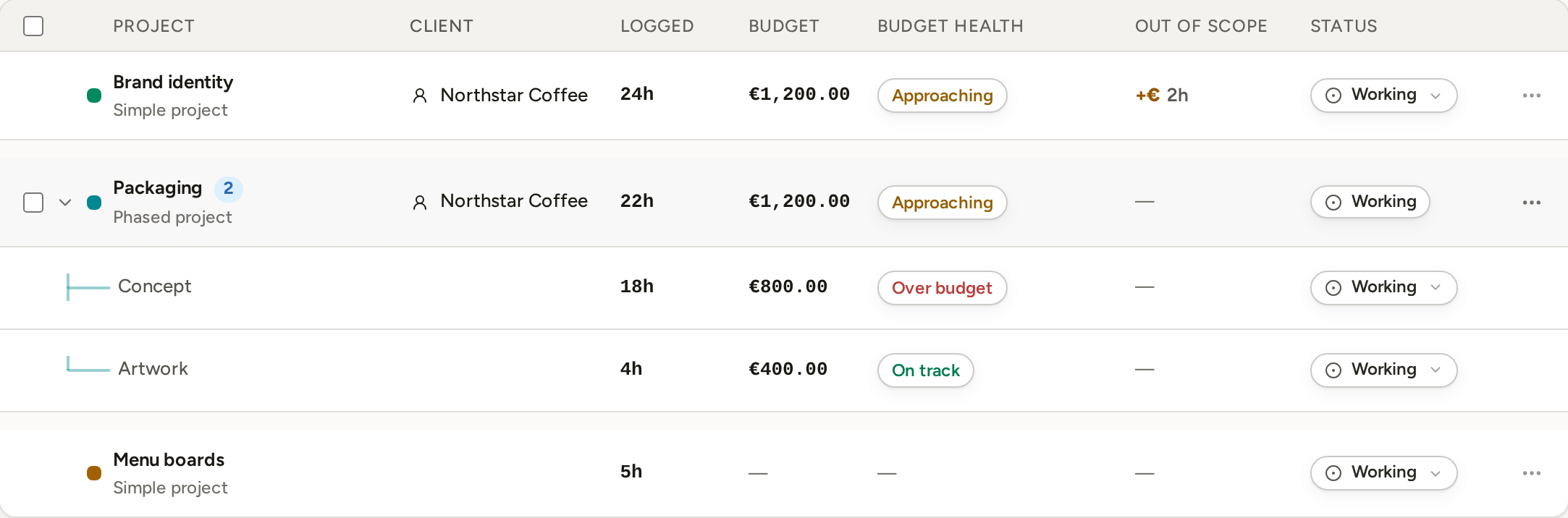
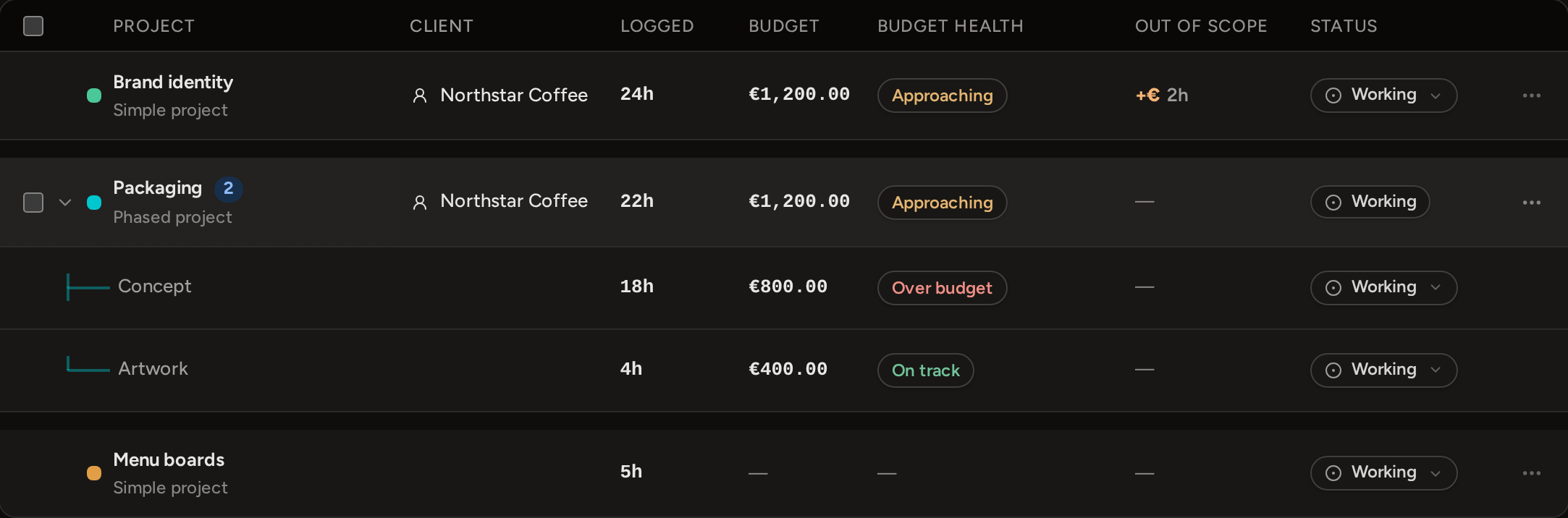
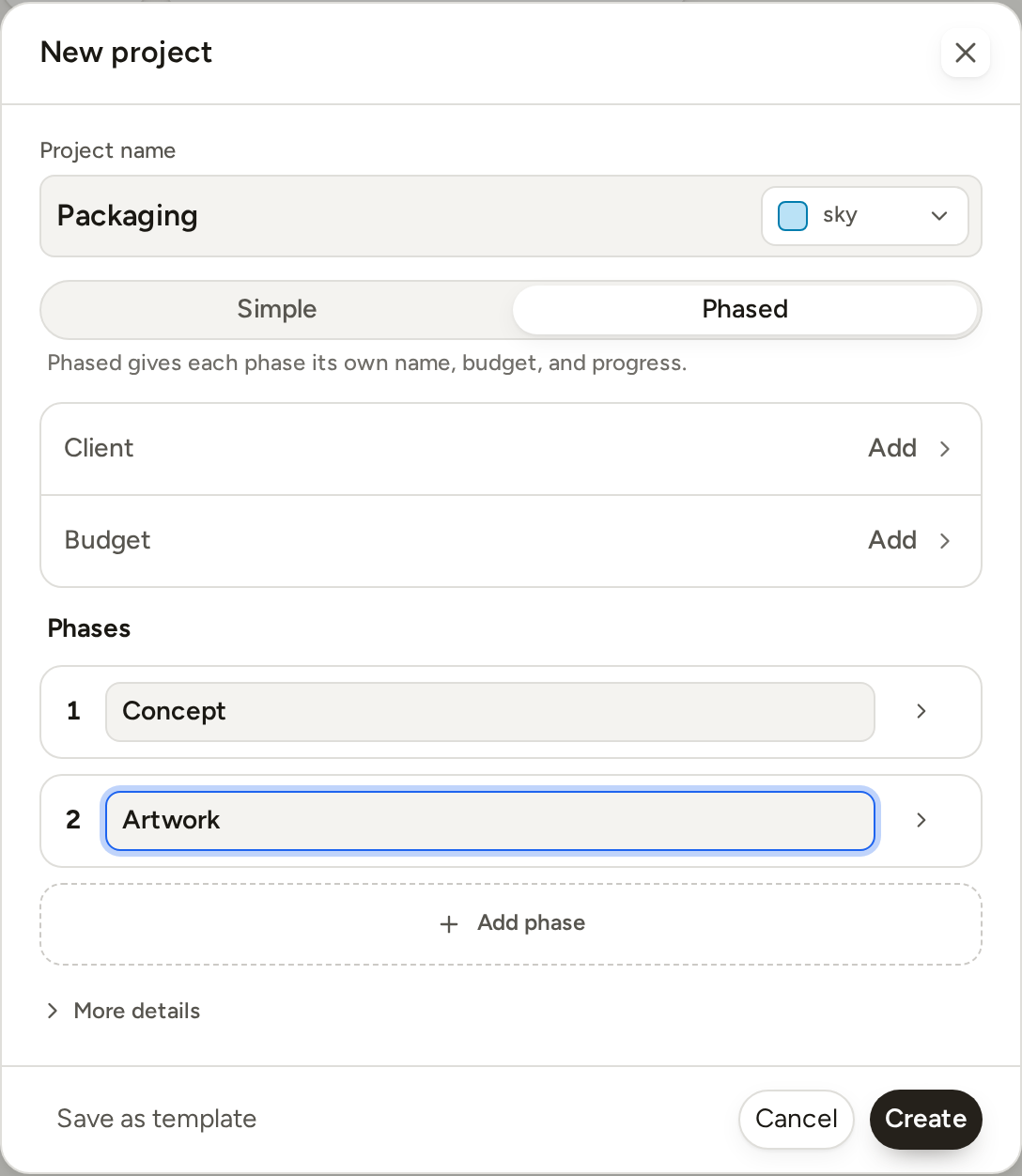
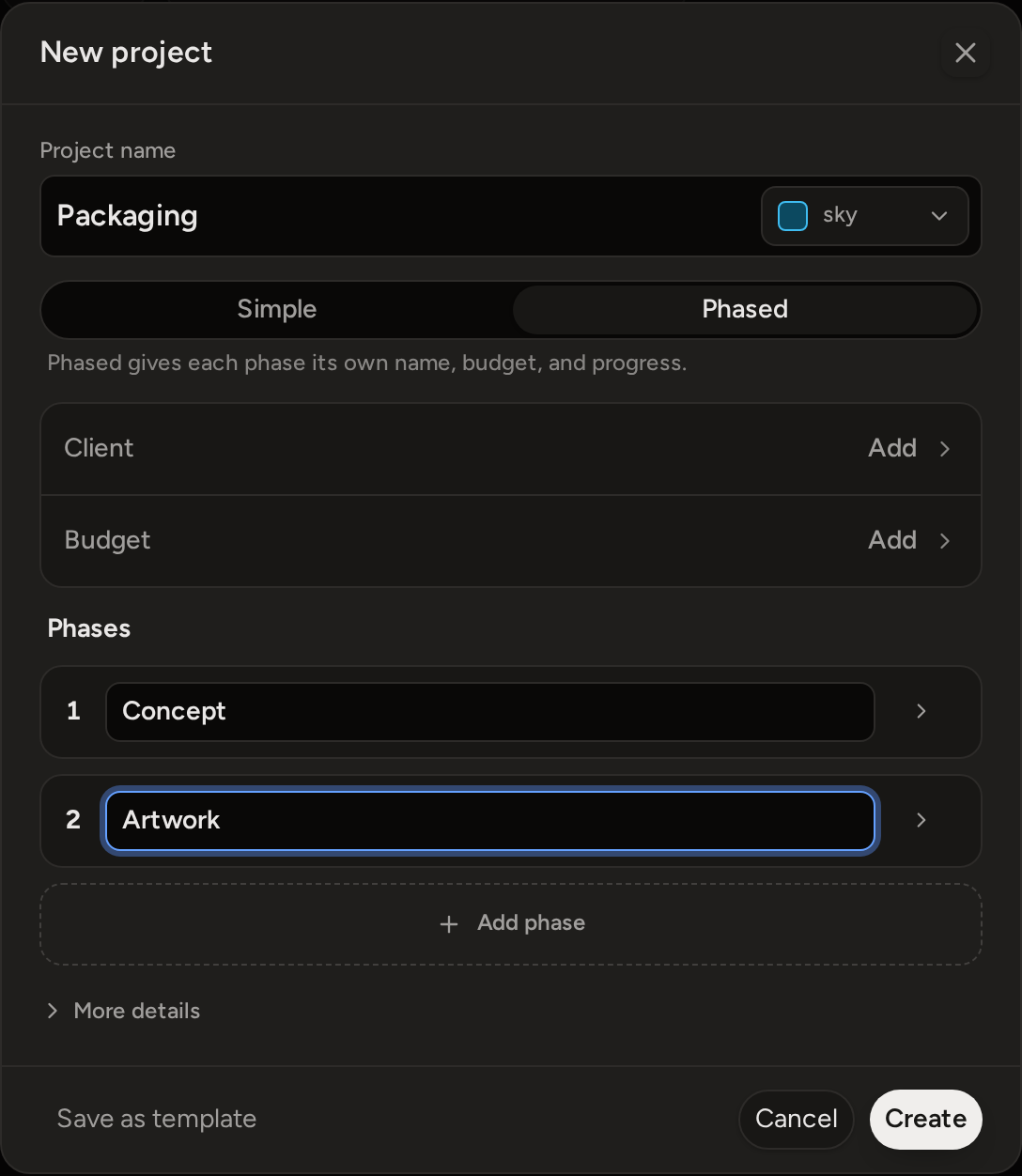
On Projects, expand the project to see each phase's time, budget and status. In Edit project, you can add and rename phases, remove an empty phase, and set budgets and custom rates.
Split a simple project into phases
- Open the project's menu and choose Edit project.
- Under Project billing, choose Split into phases.
- Rename Phase 1 and Phase 2, then adjust their settings as needed.
The split happens at once. Phase 1 gets the simple project's existing tasks, time entries, budget and work status. It also keeps the project's Reported and Paid marks. Phase 2 starts empty. A custom project rate stays on the project, so both phases use it. Nothing is duplicated or lost.