Project templates
A project template stores a reusable setup of phases, budgets, rates and task groups. Applying it fills the New project form with a copy you can adjust.
Create a reusable project setup
A project template is a set of starting values for a new project. It is saved on its own, separate from any project. There are two ways to create one, and both need Pro.
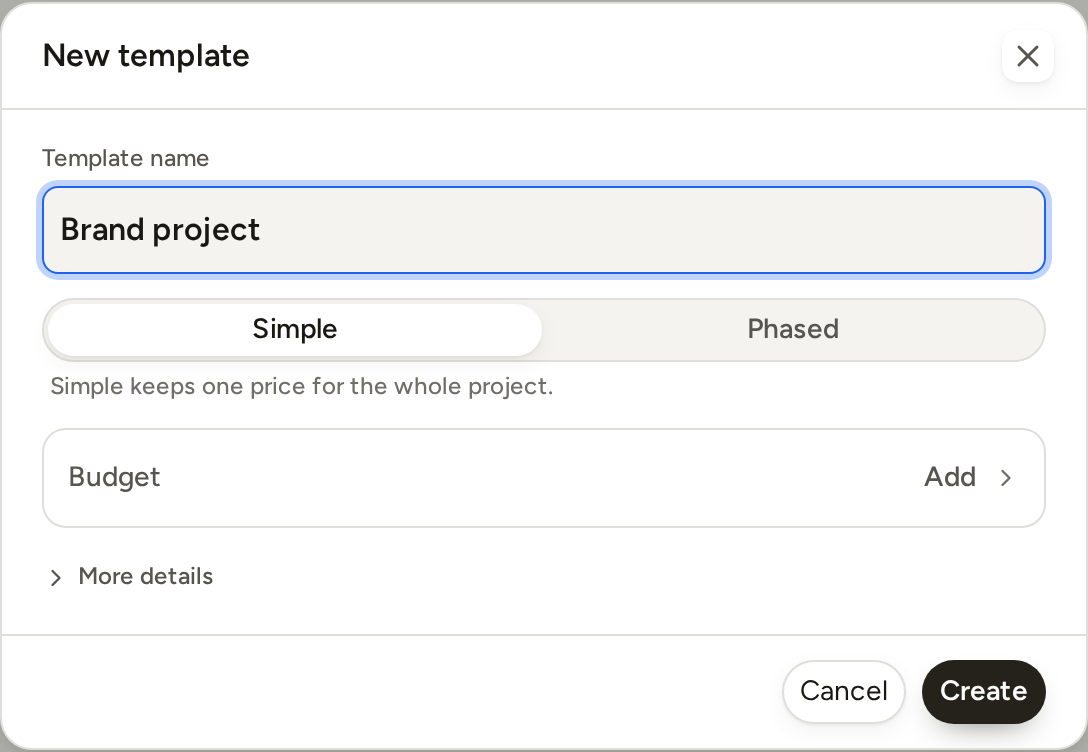
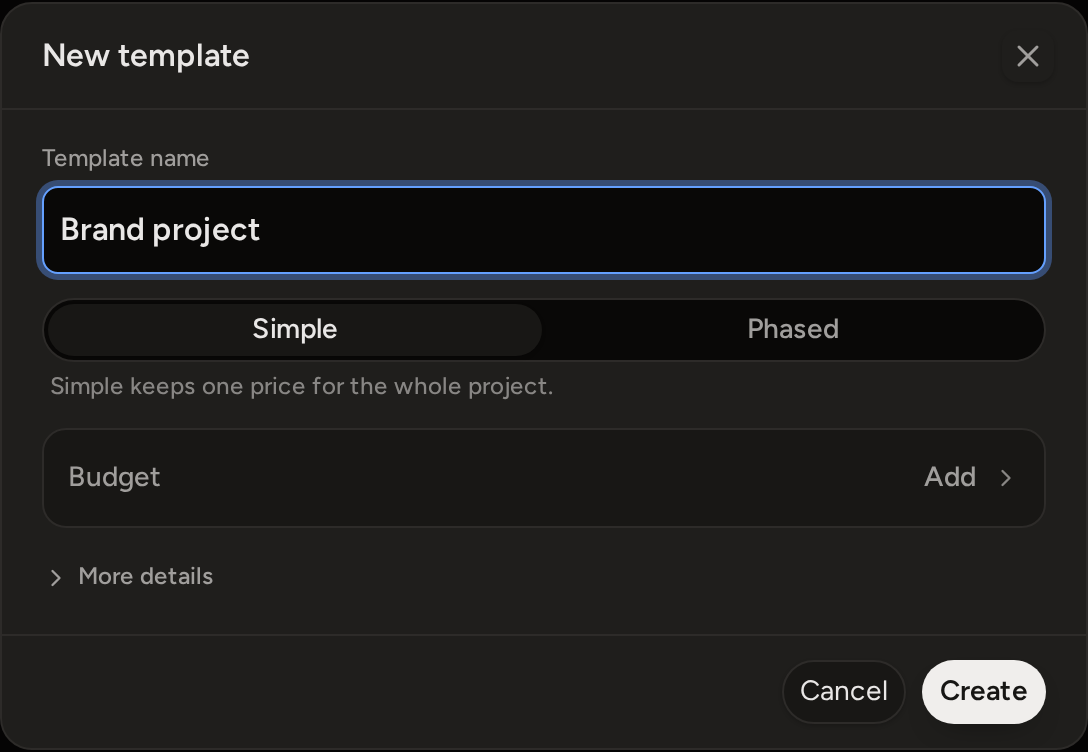
- Open Templates and press New template.
Choose Simple or Phased, then set the budget, rate and task groups. In this editor, a phased template can have 2 to 10 phases. Press Create.
- Or use the New project form. Set up the
phases, budget, rate and task groups. Then press Save as template at the bottom of the form, enter a name, and press Save.
Phased saves the template at once. You do not have to create the project. If you close the project form afterwards, the template is kept.
What a template fills in
A template can fill in these values for a new project: Simple or Phased, the phase names and their order, task groups, a budget in money or hours, and custom rates. The budget can be one total for the project or a separate budget for each phase. Values set on the project apply to every phase. A phase saves only the values that are different from the project's values.
- A project budget is split evenly across the phases. Separate phase budgets add up to the template's total. A template has either a project budget or phase budgets, never both.
- A simple template has no visible phase list. A phased template keeps its saved phase order.
- A template has no colour and no client. You set them on each new project.
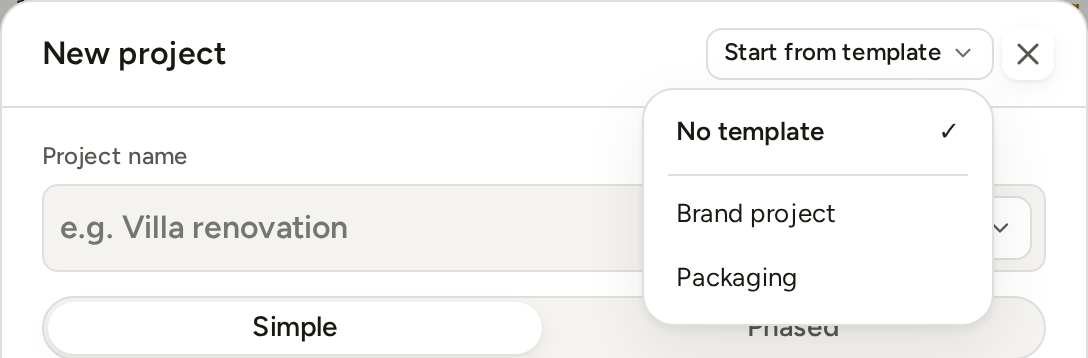
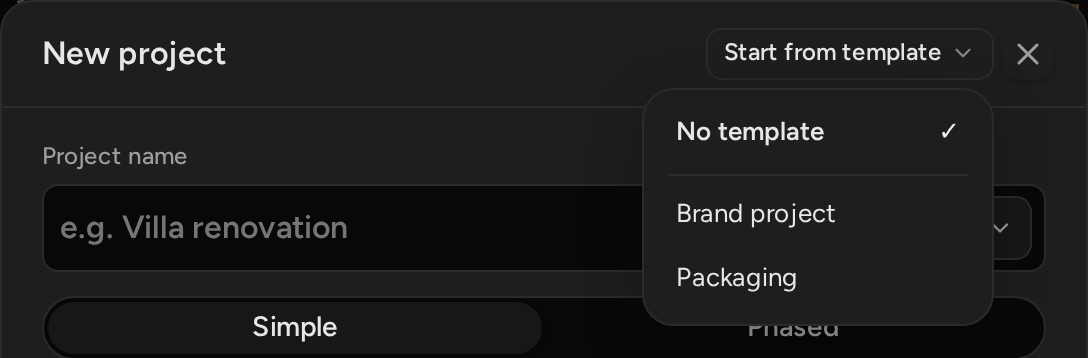
The New project form shows your saved templates at the top, next to the close button. Open Start from template and choose a template. To clear it again, choose No template. Check every filled-in value before you create the project. You can change any value in the form. When you change one, the template's name at the top changes to Custom.
What happens on Free
Creating, editing and applying project templates need Pro. On Free, your saved templates stay in the list, so your setup is not lost. But New template and editing a template open a short explanation of the Pro feature instead. New project does not offer Start from template.
You can still delete a saved template on Free. Deleting it does not change any project that was created from it.